Importing a Report Template (Elite Users)
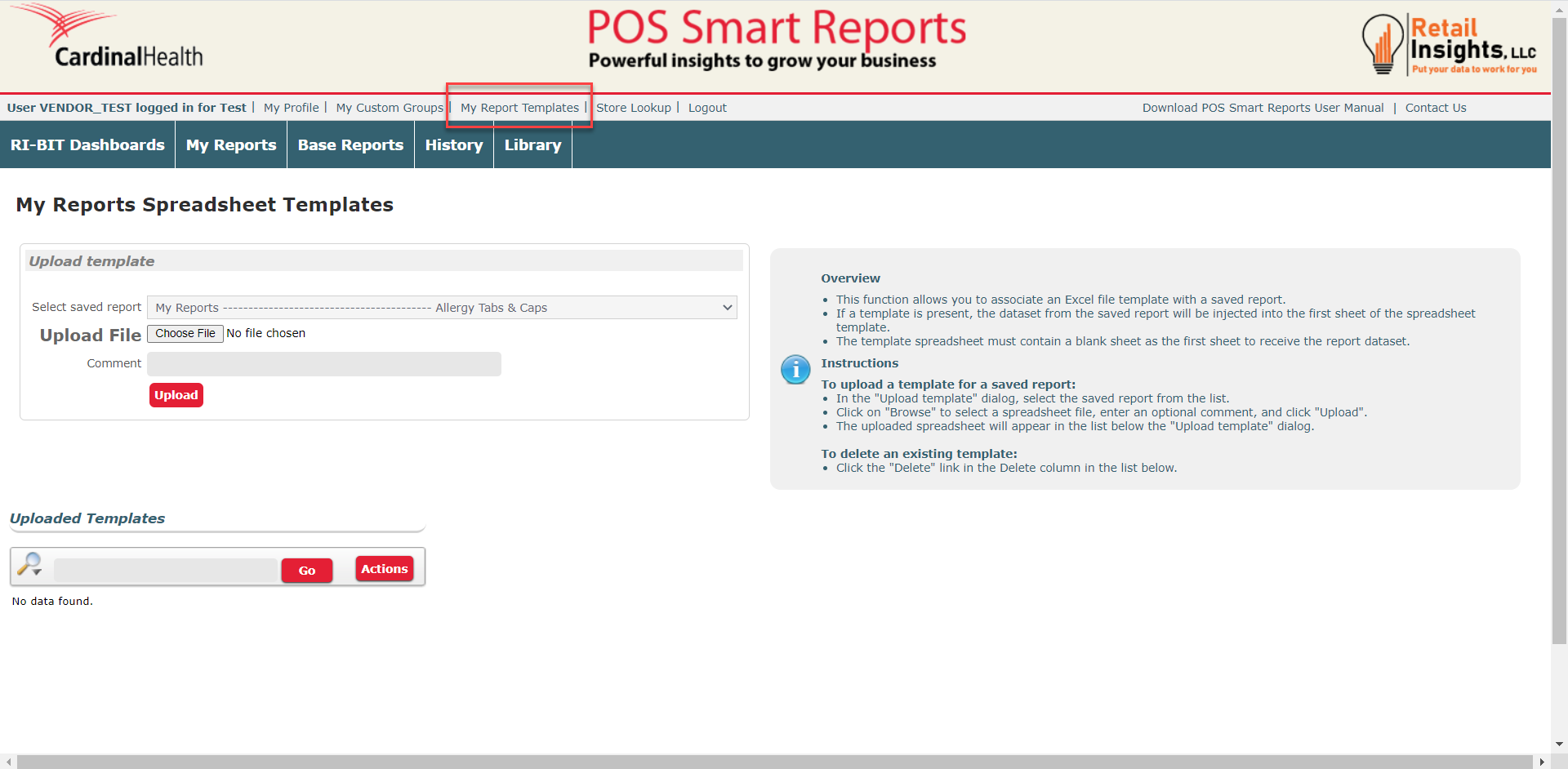
This function allows you to associate an Excel file template with a saved report.
To get to the Report Template page, click the My Report Templates button at the top of your navigation panel. You will arrive at a new page labeled 'My Reports Spreadsheet Templates'.
- Select a report from your Saved Reports List.
- Upload your template. *Make sure the first sheet of your template is blank so the report can be added to the first page of your template.
- Click the Upload button.